
Setting Up a Reliable Smart Home Wi-Fi Network
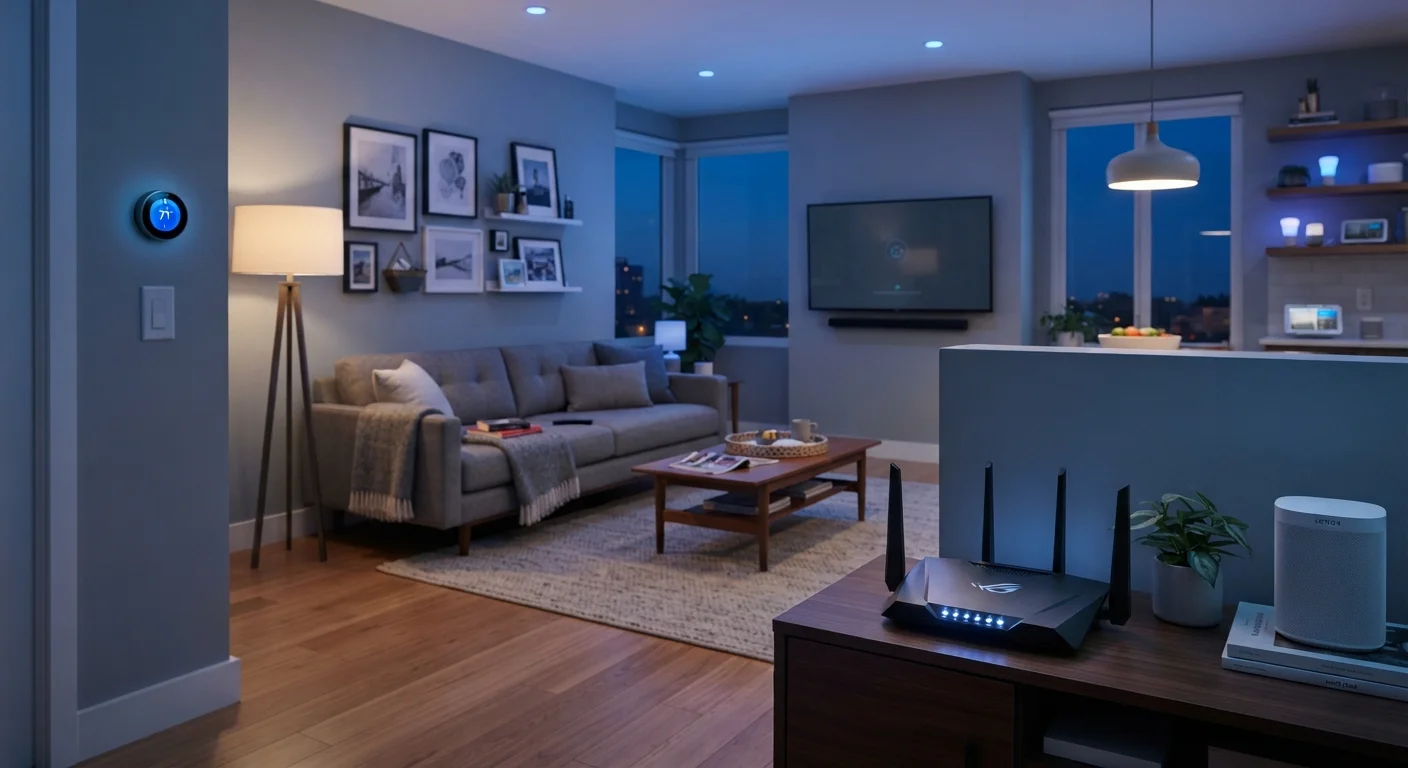
Photo credit: SnippetColumns.com | Easy Search, Reliable Information
In this article
A congested or poorly structured Wi-Fi network is the root cause of most smart home problems. Learn the steps to build a stable foundation for your devices.
Key Takeaways
- Most smart home failures trace back to an overloaded or poorly configured Wi-Fi network.
- Separating smart devices onto a dedicated network reduces interference and improves reliability.
- Router placement and frequency band selection significantly affect device performance.
- Mesh Wi-Fi systems help eliminate dead zones in larger or multi-story homes.
- A few upfront configuration decisions can prevent the majority of future connectivity problems.
Why Your Network Is the Foundation of Every Smart Home
Most smart home frustrations — devices that won't respond, automations that randomly fail, gadgets that show as "offline" despite being powered on — trace back to one thing: a network that wasn't built with smart home demands in mind. Understanding this upfront will save you a lot of troubleshooting later.
If you're still getting familiar with what the smart home ecosystem actually involves, what "smart home" actually means is a useful starting point before diving into network configuration.
Smart devices behave differently from phones and laptops. They're always on, often chatty (sending small data packets continuously), and sensitive to even brief signal drops. A network optimized for occasional web browsing or streaming isn't automatically a good fit for 15 or 20 persistent IoT connections.
What you will need
The steps below walk through a practical setup process — not a theoretical ideal, but what actually produces a stable, manageable smart home network for most households.
Step-by-Step Network Setup
Audit your current network and device count
Before changing anything, get a clear picture of what you're working with. Log into your router's admin panel and review the connected device list. Count everything — phones, laptops, TVs, streaming sticks, and any smart devices already installed.
Most consumer routers handle 20–30 simultaneous connections comfortably. If you're approaching or exceeding that, reliability problems are almost inevitable as you add more smart devices.
Position your router for maximum coverage
Router placement is one of the most underestimated factors in smart home reliability. Place your router in a central, elevated location — away from microwaves, cordless phones, and thick concrete or brick walls, which all degrade signal quality.
Avoid tucking it inside a cabinet or behind a TV. Signal strength drops measurably when the router is enclosed or placed near competing electronics.
Create a dedicated network for smart home devices
Most modern routers support creating a separate guest or secondary network. Use this to isolate your smart devices from your primary devices like phones and computers. This reduces network congestion and limits the blast radius if a smart device ever has a security issue.
Name this network something distinct (e.g., "Home-IoT") and use a strong password. Assign smart devices to this network during their setup process.
Assign the right frequency band to each device
Modern routers broadcast on two frequency bands: 2.4 GHz and 5 GHz. The 2.4 GHz band has longer range and better wall penetration, making it ideal for smart plugs, sensors, and locks spread throughout the home. The 5 GHz band is faster but shorter range, better suited for streaming devices and cameras near the router.
Many routers offer "band steering" that automatically assigns devices — but for smart home gear, manually placing devices on 2.4 GHz often produces more consistent results.
Extend coverage with a mesh system if needed
If signal dead zones are causing devices to drop off in certain rooms, a mesh Wi-Fi system is the most reliable solution. Unlike traditional range extenders — which create a separate, weaker network — mesh systems use multiple nodes to create one seamless network across your entire home.
This matters for smart home reliability because devices can hand off between nodes without losing their connection. For larger homes or layouts with many obstacles, mesh is worth the investment.
Update firmware and set static IPs for key devices
Log back into your router's admin panel and check for firmware updates. Manufacturers regularly release patches that improve stability and security. Enable automatic updates if the option is available.
For devices like smart hubs, security cameras, or NAS drives that should always be reachable at the same address, assign them a static local IP (also called a DHCP reservation). This prevents the router from cycling them to a new address after a restart, which can break automations.
Think Beyond Wi-Fi for Some Devices
Not every smart home device needs to run on Wi-Fi. Protocols like Zigbee, Z-Wave, and Thread operate on separate radio frequencies and can actually reduce Wi-Fi congestion in your home. If you're planning a larger smart home setup, understanding these alternatives is worth your time. See our guide to wireless smart home protocols for a plain-language breakdown.
What to Watch for After Setup
A Weak Network Makes Smart Devices Unreliable
Adding more smart devices to a congested or poorly structured network will almost always make things worse, not better. If your current setup already has intermittent issues, address the network first before expanding your device count. Our article on why smart devices drop off the network covers the most common root causes in detail.
Once your network is configured, give it 24–48 hours of normal use before drawing conclusions. Some devices need time to reestablish stable connections after being moved to a new network.
If specific devices still drop off periodically, check whether they're on the right frequency band, and confirm they're within adequate signal range using a network scanner app. Persistent issues with individual devices may also point to firmware problems on the device itself rather than your network.
Security Matters on a Smart Home Network
Smart devices are only as secure as the network they sit on. Always change default router admin credentials, use WPA3 or WPA2 encryption, and avoid using the same password across your networks. A compromised smart device can potentially expose other devices on the same network — which is another reason to isolate them on a separate VLAN or guest network.
For households considering their first smart device purchase — before committing to a particular ecosystem — what to think through before your first smart home device covers compatibility and ecosystem decisions that will affect how your network needs to be structured.
Building a reliable smart home isn't about having the fastest internet plan or the most expensive router. It's about deliberate configuration — separating device types, optimizing placement, and keeping the network maintained over time. That foundation is what lets the rest of the system actually work.

Author
Tech & Gadgets Editorial Team
Tech & Gadgets Editorial Team is the collective byline for our editorial team and contributor network. Articles published under this byline or an editorial pen name are researched, written, and reviewed according to our editorial standards for clarity, consistency, and independence before publication.
View all articles →