
Starting a Smart Home From Zero: A Practical First-Timer's Roadmap
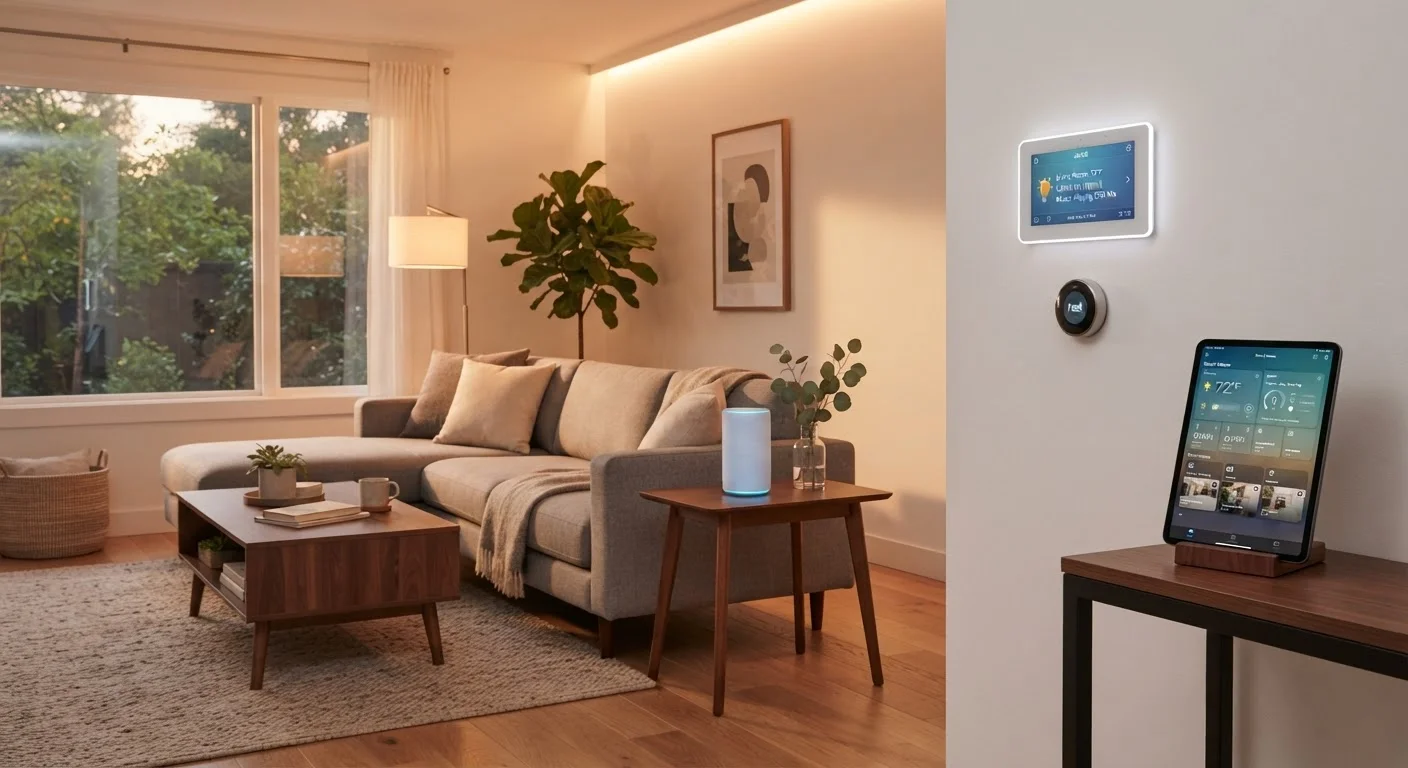
Photo credit: SnippetColumns.com | Easy Search, Reliable Information
In this article
No jargon, no overwhelm. This guide walks first-timers through the core concepts, realistic costs, and a sensible order for getting started.
Key Takeaways
- You don't need a full rewire or a big budget to start a smart home.
- A reliable Wi-Fi network is the single most important foundation to have in place first.
- Starting with one or two devices beats buying a whole ecosystem at once.
- Choosing devices from a single ecosystem saves frustration with compatibility later.
- Realistic starter costs range from under $30 for a smart plug to $100–$200 for a hub and a few devices.
- Most common smart home myths — about complexity, cost, and installation — don't hold up to scrutiny.
What 'Smart Home' Really Means in Plain Terms
The phrase 'smart home' gets thrown around loosely in marketing materials, but the core idea is straightforward: devices in your home that can be controlled remotely, automated on a schedule, or triggered by other events — typically via your smartphone or a voice assistant.
Not every connected gadget qualifies. A TV you can control with an app is a connected TV. A thermostat that adjusts automatically based on your routine, then reports energy use and accepts remote changes, is a smart thermostat. The meaningful distinction is whether the device responds intelligently to conditions and input, or simply replaces a button with a tap. For a deeper look at what qualifies, see what actually makes a home smart.
Ecosystem
A family of smart home devices and apps built to work together on a shared platform, such as those controlled by a specific voice assistant or brand app.
Matter
An open industry standard that allows smart home devices from different manufacturers to communicate with each other, reducing compatibility headaches.
Hub
A central device that connects and coordinates multiple smart home gadgets, sometimes allowing them to work even without an internet connection.
Automation
A rule you set so that devices respond to conditions automatically — for example, turning on a porch light at sunset — without requiring manual input each time.
Mesh Wi-Fi
A Wi-Fi system that uses multiple nodes placed around a home to eliminate dead zones and ensure consistent network coverage throughout.
The Three Things You Need Before Buying Anything
Before spending a dollar on devices, make sure these three foundations are solid:
- Reliable Wi-Fi coverage throughout your home. Most smart devices communicate over your home's Wi-Fi network. Dead zones mean devices drop offline unpredictably. If your router only covers part of your home, a mesh Wi-Fi system is worth addressing first.
- A compatible smartphone. Nearly every smart home ecosystem is managed through a mobile app. Make sure your phone's operating system (iOS or Android) is recent enough to run the apps you'll need.
- A clear sense of which problem you want to solve. Starting with a goal — 'I want to stop leaving lights on' or 'I want to control the thermostat from bed' — keeps purchases purposeful and avoids impulse-buying gadgets that gather dust.
Pick One Goal, Then One Device
Resist the urge to plan a whole system before you've tried a single device. Pick the single most annoying thing about your home — lights left on, a cold bedroom in the morning, forgetting to lock the door — and find the one device that solves it. Living with that device for a few weeks teaches you more than any buying guide.
Where to Start: The Sensible First Purchases
The smartest entry point is usually one of these three categories:
- Smart plugs. These plug into any standard outlet and make any lamp or appliance remotely switchable. They're inexpensive, require no installation, and instantly demonstrate what smart home control feels like.
- Smart bulbs. Screw into existing light sockets, connect to Wi-Fi or Bluetooth, and can be dimmed, scheduled, or color-adjusted through an app. Great for bedrooms and living rooms.
- A smart speaker or display. Acts as a central voice-control point for other devices. Most major voice assistant platforms support a wide range of third-party devices, giving you room to expand later.
Avoid buying across multiple competing ecosystems at the start. Devices that don't share a common platform — or the newer open standard called Matter — often can't communicate with each other without extra workarounds.
Realistic Costs and How to Budget for It
Smart home spending is genuinely scalable. You can start small and add over months or years. Here's a realistic range of what entry-level categories typically cost:
| Device Type | Typical Entry Cost |
|---|---|
| Smart plug (single outlet) | $10–$30 |
| Smart bulb (single) | $10–$25 |
| Smart speaker | $30–$100 |
| Smart thermostat | $100–$200 |
| Smart lock (deadbolt replacement) | $100–$250 |
These figures are general ranges and will vary by product and retailer. If you're working with a defined household budget, treat smart home upgrades the same way you'd treat any discretionary purchase — decide what you're willing to spend before you browse, not after. A smarter spending approach helps prevent tech-aisle impulse buys from derailing a careful plan. If you want a structured way to carve out funds, building a personal budget from scratch is a practical starting point.
Prices Change — Ranges Are General Guides
The cost figures above reflect general market ranges at the time of writing and will shift over time. Think of them as planning ballparks rather than precise budgets. Always check current pricing before making a purchase, and factor in any subscription fees some ecosystems charge for cloud features or advanced automations.
Common First-Timer Mistakes (and How to Avoid Them)
Most beginner missteps fall into a few familiar patterns:
- Buying too much at once. A house full of unconnected gadgets is overwhelming to set up and easy to abandon. Two devices you actually use beat ten that live in a drawer.
- Choosing devices before picking an ecosystem. Decide which voice assistant or app platform you'll use first, then buy devices confirmed to work with it.
- Ignoring the router. Smart devices are only as reliable as the network they sit on. A crowded or weak Wi-Fi signal causes more frustration than any device choice.
- Assuming it requires professional installation. Most entry-level smart home devices are designed for self-installation in under ten minutes. The most persistent myths about smart home setup — including that it requires an electrician — don't reflect how consumer products actually work today.
Ecosystem Lock-In Is Real
Some smart home platforms use proprietary protocols, meaning devices from that brand won't easily connect to other systems. Before investing in several devices from one brand, check whether they support open standards like Matter or Zigbee. Switching ecosystems later often means replacing hardware you've already paid for.
What to Tackle Next Once You're Set Up
Once your first one or two devices are running reliably, the natural next step is a room-by-room approach. Instead of buying randomly, audit each space for what would genuinely add convenience or efficiency. The room-by-room smart home upgrade checklist is a useful tool for exactly this — it helps you identify where upgrades make sense rather than where marketing says they should go.
Beyond hardware, look at what your existing devices can already do that you haven't explored. Scheduling, routines, and cross-device automation (turning off all lights when you lock the front door, for example) are often already available in the app — no new purchases required.
Building a smart home gradually, with intention, is how you end up with a setup that genuinely works for your household — not a collection of gadgets that felt exciting in the store.
Matter Smart Home Standard Overview
The Connectivity Standards Alliance publishes accessible documentation on the Matter standard, explaining how it works and which device types currently support it — useful for evaluating compatibility before you buy.
Home Network Speed Test Tools
Free browser-based speed test tools (such as those offered by Cloudflare or Ookla) let you measure your current internet speed and identify whether your connection or router is a bottleneck for smart devices.
Room-by-Room Upgrade Checklist
Once your first devices are running, a structured room-by-room audit helps you identify where smart upgrades would genuinely add value rather than just adding complexity.
Frequently Asked Questions

Author
Tech & Gadgets Editorial Team
Tech & Gadgets Editorial Team is the collective byline for our editorial team and contributor network. Articles published under this byline or an editorial pen name are researched, written, and reviewed according to our editorial standards for clarity, consistency, and independence before publication.
View all articles →