
The Room-by-Room Smart Home Upgrade Checklist
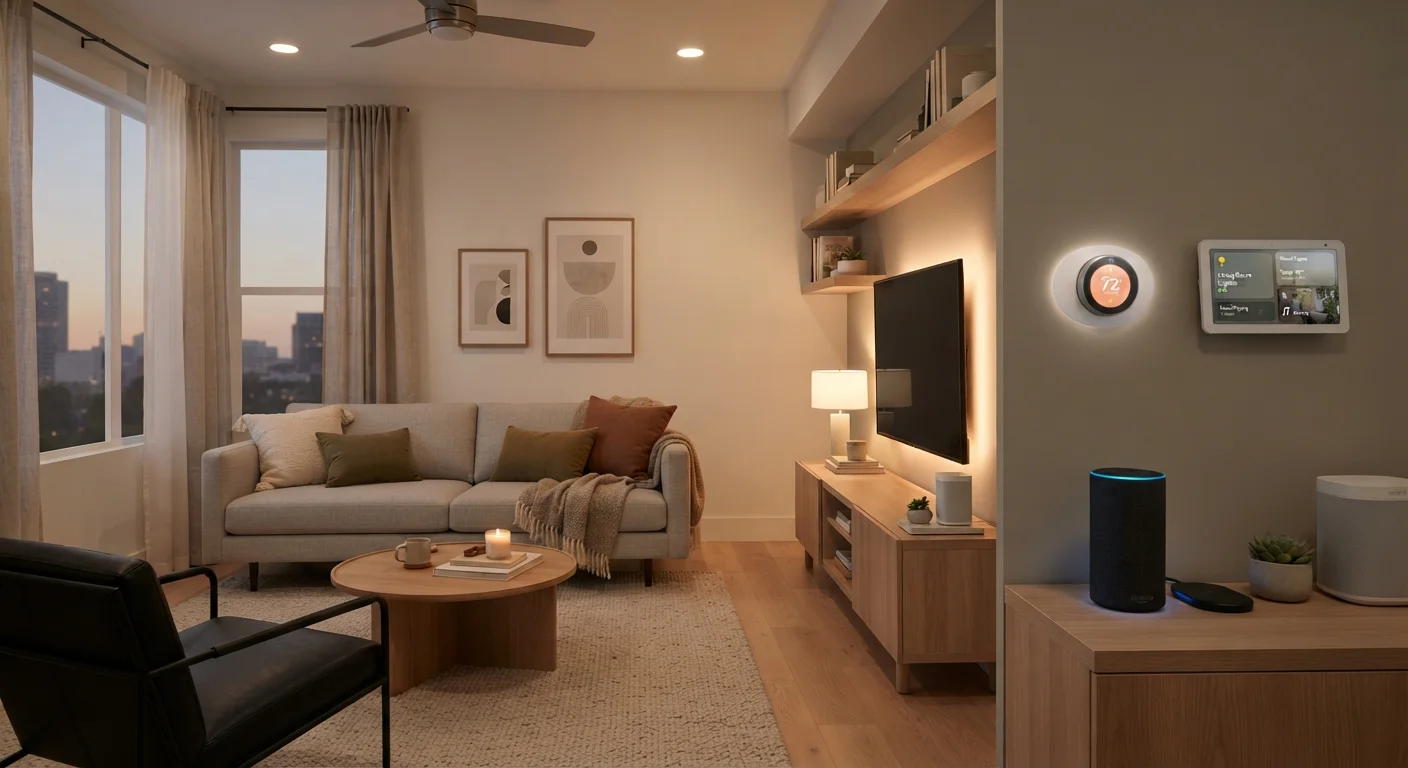
Photo credit: SnippetColumns.com | Easy Search, Reliable Information
In this article
Use this structured checklist to audit each room in your home and identify which smart upgrades would genuinely improve comfort or convenience.
Key Takeaways
- Walking through each room individually prevents upgrade decisions driven by hype rather than genuine need.
- Compatibility with your existing ecosystem should be confirmed before purchasing any new smart device.
- Not every room needs a smart upgrade — utility and daily friction are better guides than novelty.
- Security and privacy settings deserve attention before any internet-connected device goes live.
- Budgeting for smart upgrades alongside a broader financial review helps avoid impulse overspending.
Why a Room-by-Room Audit Works Better Than Shopping by Category
Most people get overwhelmed by smart home tech not because it's complicated, but because they approach it backwards — browsing devices first, then trying to fit them into their life. A room-by-room audit flips that logic. You start with actual problems in actual spaces, then identify whether a smart device genuinely solves them.
Before you start walking through each room, make sure your foundation is solid. That means knowing what voice ecosystem (if any) you're working within, what your router can handle, and whether your wiring supports smart switches. If you haven't thought through those basics yet, this grounded pre-purchase overview covers what to consider before buying your first device.
Also worth noting: smart home upgrades carry real costs, and they add up across rooms faster than most people expect. A quick savings checkup before you start spending can help you set a sensible ceiling.
Home floor plan or rough sketch
Helps you walk through each room systematically and note existing devices, outlets, and pain points.
Router or mesh network admin app
Used to check Wi-Fi coverage in each room and confirm your network can support additional connected devices.
Smart home hub or app (if already in use)
Confirms which protocols and device types are already compatible with your existing setup.
Voltage tester or electrician contact
Required if you plan to install smart switches or a smart thermostat — wiring compatibility must be confirmed safely.
Spreadsheet or notes app
Tracks your room-by-room findings, device candidates, estimated costs, and compatibility confirmations.
How to Use This Checklist
Work through one room at a time. For each space, ask two questions: What friction or inefficiency exists here? and Would a connected device address it better than a simpler alternative? Mark items as complete only after you've verified compatibility and confirmed the device fits your ecosystem.
If you're newer to smart home concepts and want a broader orientation before diving in, this first-timer's roadmap walks through a sensible order for getting started. For a reference on every major device category and what each actually does, see the full landscape of smart home device categories.
Compatibility First, Always
Smart home devices do not all speak the same language. Before adding any device to your list, confirm it works with your existing hub, voice assistant ecosystem, or wireless protocol. Incompatible devices create isolated experiences that defeat the purpose of a connected home. Check manufacturer compatibility lists and your hub's supported device documentation before any purchase.
Entryway & Front Door
Living Room
Kitchen
Bedroom
Thermostat & HVAC
Home Office
Security & Whole-Home Review
Making the Final Call on Each Room
After auditing each room, you'll likely find that two or three spaces have clear, high-value upgrade opportunities — and several rooms where nothing needs to change. That's a good outcome. Restraint is part of a smart home strategy.
If you're deciding where a voice assistant or smart display belongs, this comparison of smart speakers vs. smart displays breaks down which form factor makes sense room by room. For ongoing spending discipline, the Smarter Spending Habits hub offers practical frameworks for avoiding gear that sounds useful but rarely gets used.
Don't Overlook Network Security
Every smart device added to your home is a potential entry point if not properly secured. Change default passwords immediately, keep firmware updated, and isolate smart devices on a separate network segment when your router supports it. A home full of connected devices with weak security is more vulnerable than a home with no smart devices at all.
Once you've completed your audit, you'll have a prioritized list rather than a wishlist — which is a much better starting point for any purchase decision.

Author
Tech & Gadgets Editorial Team
Tech & Gadgets Editorial Team is the collective byline for our editorial team and contributor network. Articles published under this byline or an editorial pen name are researched, written, and reviewed according to our editorial standards for clarity, consistency, and independence before publication.
View all articles →