
Smart Speakers vs. Smart Displays: Which Belongs in Which Room
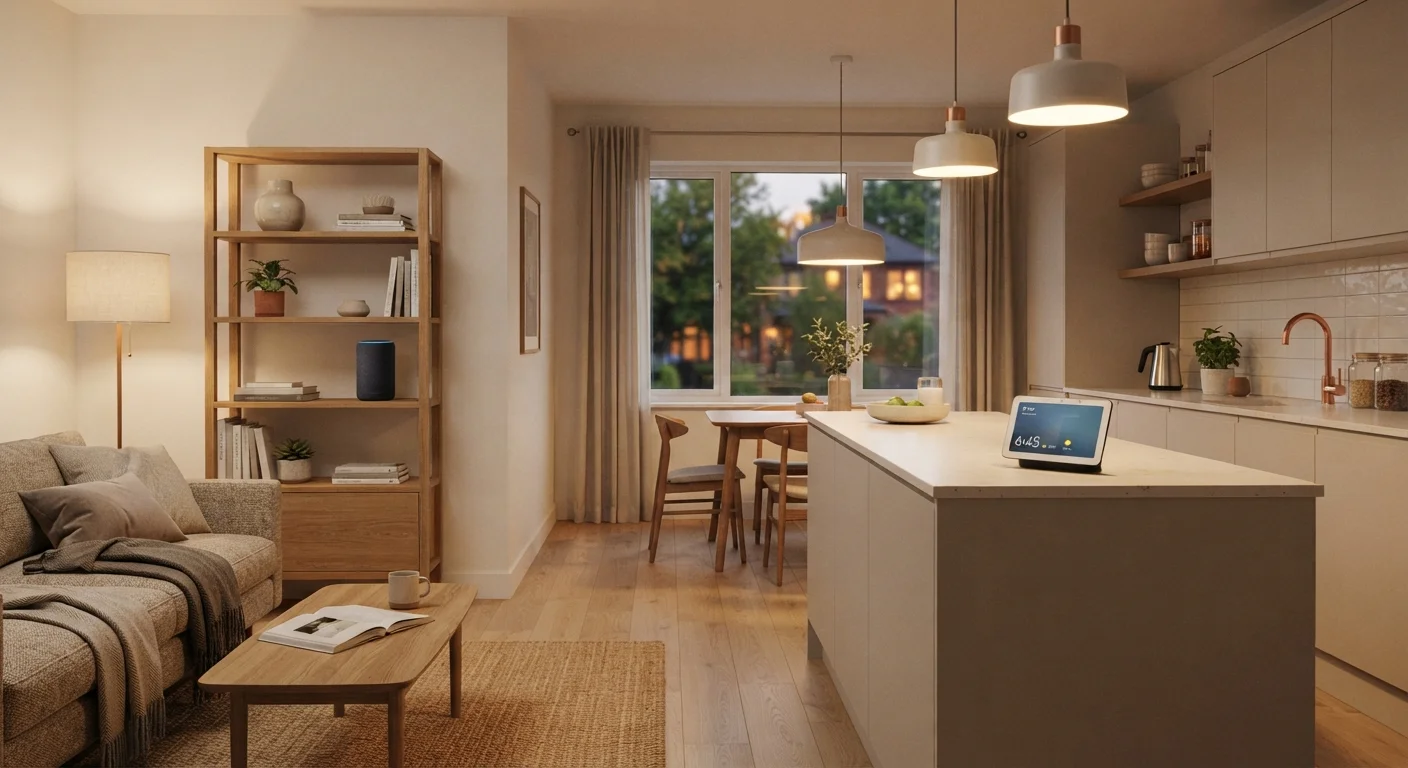
Photo credit: SnippetColumns.com | Easy Search, Reliable Information
In this article
Voice-only or screen-equipped? Understand the practical differences between smart speakers and displays before deciding where each fits in your home.
Key Takeaways
- Smart speakers excel at audio tasks and voice commands in distraction-sensitive rooms.
- Smart displays add a touchscreen that makes video calls, recipes, and visual timers genuinely useful.
- Neither device is universally superior — room function and usage habits should drive the choice.
- Privacy considerations differ: displays with cameras require more deliberate placement.
- Both device types integrate into smart home ecosystems, but feature depth varies by platform.
What Each Device Actually Does
Smart speakers and smart displays share a core function: they respond to voice commands and connect to a digital assistant. But the similarities largely end there. A smart speaker is purely audio — it listens, responds, plays music, and controls compatible smart home devices, all without any visual output. A smart display does all of that, plus adds a touchscreen ranging roughly from five to fifteen inches that can show video, photos, step-by-step guides, caller ID, and live camera feeds from connected security devices.
If you're still getting familiar with what these devices fit into at a broader level, what 'smart home' actually means is a useful starting point before committing to either format.
The key distinction isn't really about technology — it's about interaction style. Voice-only works well when your hands are free and your eyes are busy or resting. A screen pays off when visual confirmation or reference matters, like checking the weather forecast, watching a short instructional clip, or monitoring a front-door camera while cooking.
Head-to-Head: Key Differences at a Glance
Before diving into room-by-room guidance, it helps to see the core trade-offs side by side.
| Criterion | Smart Speaker | Smart Display |
|---|---|---|
| Output type | Audio only | Audio + touchscreen |
| Camera included | No | Usually yes |
| Video calling | Audio only | Full video capable |
| Recipe or guide display | Voice readout only | Visual step-by-step |
| Bedroom suitability | High | Low to moderate |
| Kitchen suitability | Moderate | High |
| Typical footprint | Compact, cylindrical | Larger, requires counter space |
| Privacy surface area | Microphone only | Microphone + camera |
One factor that often goes unmentioned: smart displays with cameras introduce a privacy dimension that speakers don't. Before placing a display in any room, think carefully about camera angle, who walks through that space, and what the device's default settings are. Configuring privacy settings carefully applies to displays as much as it does to speakers.
Room-by-Room Fit: Where Each Device Belongs
Kitchen: This is where smart displays earn their keep most clearly. Timers, unit conversions, recipe walkthroughs, and video calls while prepping dinner all benefit from a screen. Your hands are often wet or covered, so touch is a backup — but seeing information at a glance beats asking a speaker to repeat itself three times.
Bedroom: A smart speaker is usually the better fit. You likely want darkness and calm — a glowing screen works against both. Alarm management, sleep sounds, and quick voice queries work cleanly without visual distraction. If you do opt for a display in a bedroom, look for one with an adaptive screen that dims aggressively at night.
Living room: This depends on your household. A display makes sense if video calls, music video streaming, or home security monitoring are part of your routine. A speaker works fine if you primarily want audio and smart home control during TV time — though it may simply compete with your television.
Home office: A compact smart speaker fits neatly on a desk for quick queries and music without pulling your eyes away from your monitor. A display can work too, but only if it genuinely replaces a task you'd otherwise use your computer screen for — otherwise, it's just another screen.
For a structured way to audit every room before buying anything, the room-by-room smart home upgrade checklist walks through exactly that process.
35%
U.S. households with a smart speaker
According to Statista estimates, roughly one in three American households owned at least one smart speaker as of the early 2020s, reflecting how mainstream voice-first devices have become.
~2x
Average price premium of displays over speakers
Smart displays generally carry a price premium over comparable smart speakers, driven primarily by the screen, camera hardware, and larger chassis.
Making the Call: Practical Questions to Ask Yourself
Rather than defaulting to whichever looks more impressive in a product listing, run through a few questions before deciding:
- Will I actually look at a screen in this room? If the room is for sleeping, focused work, or pure audio enjoyment, a screen goes unused.
- Do I cook, craft, or follow visual guides regularly? If yes, a display pays for itself in convenience quickly.
- Am I comfortable with a camera in this space? If not, a speaker removes that concern entirely.
- What's my existing ecosystem? Both device types tie into specific assistant platforms. Mixing ecosystems can create compatibility friction.
If you haven't thought through ecosystems and compatibility yet, before your first smart home device covers those fundamentals clearly. And if you want to understand how speakers and displays fit into the wider world of smart home hardware, the full landscape of smart home device categories maps out every major category worth knowing.
Neither device is a wrong choice — the wrong move is placing either one in a room where its defining strengths go unused.

Author
Tech & Gadgets Editorial Team
Tech & Gadgets Editorial Team is the collective byline for our editorial team and contributor network. Articles published under this byline or an editorial pen name are researched, written, and reviewed according to our editorial standards for clarity, consistency, and independence before publication.
View all articles →