
Keeping Your Phone Performing Well Over Time
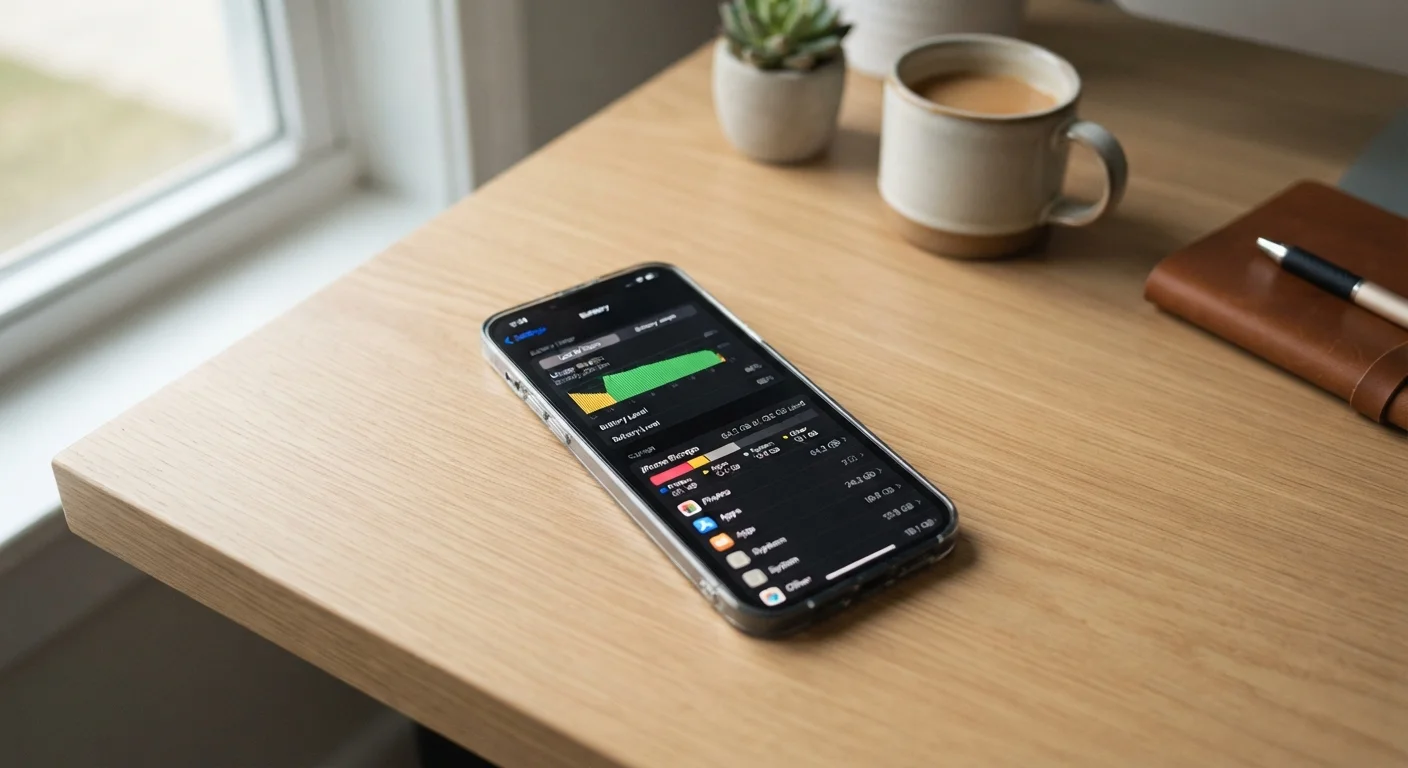
Photo credit: SnippetColumns.com | Easy Search, Reliable Information
In this article
Regular habits — not occasional resets — keep phones running smoothly. Covers storage, updates, battery care, and app management done right.
Key Takeaways
- Storage headroom matters — keeping 15–20% of internal storage free helps your phone run reliably.
- Charging habits affect long-term battery health more than most users realize.
- Software updates patch security vulnerabilities and often improve everyday performance.
- Background app activity is a common, overlooked drain on both battery and speed.
Why Phones Slow Down — and What Actually Fixes It
Most phone slowdowns aren't hardware failure — they're accumulated friction from unchecked habits. Storage fills up, apps multiply, battery health erodes, and background processes pile on. The good news is that none of this requires technical expertise to address. Consistent, small actions prevent the conditions that make a phone feel unusably slow in the first place.
Think of it similarly to how routine upkeep prevents larger problems down the road — the same logic that applies to car maintenance applies to the device in your pocket. Waiting until something breaks is always the harder path.
Factory Resets Aren't a Maintenance Strategy
A full reset wipes your data and can temporarily make a phone feel faster — but it doesn't address the habits that caused slowdowns in the first place. Think of these practices as ongoing maintenance, much like the routine upkeep described in car maintenance guidance. Consistent habits prevent the conditions that make a reset feel necessary.
Core Practices for Sustained Performance
The following practices address the most common causes of phone slowdowns. Each targets a specific, fixable issue — and none requires resetting your device or buying anything new.
Keep at least 15–20% of internal storage free at all times.
Phones use available storage as working space for temporary files, app caches, and system processes. When storage fills up, the operating system struggles to write and retrieve data efficiently, causing noticeable lag. Staying ahead of this threshold prevents many common slowdowns without any technical intervention.
Avoid keeping your battery between 0% and 100% routinely — aim for the 20–80% range.
Lithium-ion batteries degrade faster at charge extremes. Repeatedly charging to full and draining to empty accelerates capacity loss over time. Staying within a moderate charge range is one of the most practical ways to preserve long-term battery health. For a deeper explanation of how this works, see battery health explained.
Install operating system and security updates promptly.
Updates frequently include performance improvements, bug fixes, and patches for security vulnerabilities. Deferring them for months leaves devices exposed and can allow underlying inefficiencies to persist. The performance gains in point updates are often underappreciated.
Audit which apps run in the background and restrict those you rarely use.
Many apps request permission to refresh content, track location, and send notifications constantly — even when you haven't opened them in weeks. This background activity consumes RAM, CPU cycles, and battery. Restricting it selectively produces real-world gains in speed and endurance.
Review and rationalize notification permissions regularly.
Every notification wakes your screen, processes a push alert, and prompts a decision — even if you swipe it away. Phones with dozens of apps all demanding attention create constant micro-interruptions that also consume resources. Trimming these improves both focus and phone responsiveness. See how Android and iPhone handle this differently in Android vs. iPhone notifications.
Restart your phone at least once a week.
A restart clears temporary files, resets background processes that may have become stuck, and gives the operating system a clean slate. Unlike a factory reset, this takes under a minute and requires no setup. It's the simplest, most overlooked maintenance step.
Quick Wins You Can Act On Today
If you're not sure where to start, these actions take less than ten minutes combined and address the highest-impact areas. You'll also find that digging into your phone's settings surfaces more useful tools than most people expect.
For a broader look at getting more from your device over its full lifespan, extending the life of your everyday electronics covers habits that apply across phones, laptops, and other gadgets.
Explore Settings You've Never Opened
Most phones have genuinely useful options buried in Settings that can improve daily performance — from per-app data limits to adaptive battery modes. A quick exploration takes five minutes and can surface tools that do the optimization work for you. See settings menu features most people overlook for a useful starting point.
The Longer View: Planning for Your Phone's Lifespan
Even with good habits, every phone eventually reaches the end of its useful life. Knowing when that's approaching — rather than being surprised by it — gives you more options. Battery health metrics (available in settings on most modern phones) and available storage trends are the two most reliable early indicators.
~64%
Users who never check background app permissions
Surveys by app analytics firms consistently suggest a majority of smartphone users have never reviewed which apps run in the background.
2–3 years
Typical point of noticeable battery degradation
Lithium-ion batteries used in smartphones generally show meaningful capacity loss within two to three years, depending on charging habits and usage patterns.
When it's time to pass your phone on, the steps involved are just as important as the maintenance you've done along the way. Before handing off your old phone, make sure your personal data and account access are fully cleared. And if hotspot usage is part of how you rely on your phone daily, understanding what affects mobile hotspot speed will help you manage battery and data more intelligently in the meantime.
“The phone in your pocket is more capable than most people ever use — but that capability comes with complexity that needs occasional tending. The users who get the most out of their devices are the ones who treat maintenance as a habit, not a crisis response.”
— Consumer Technology Association Research Team, Industry research and policy organization for the U.S. consumer technology sector

Author
Tech & Gadgets Editorial Team
Tech & Gadgets Editorial Team is the collective byline for our editorial team and contributor network. Articles published under this byline or an editorial pen name are researched, written, and reviewed according to our editorial standards for clarity, consistency, and independence before publication.
View all articles →