
How Mobile Hotspots Work and What Affects Their Speed
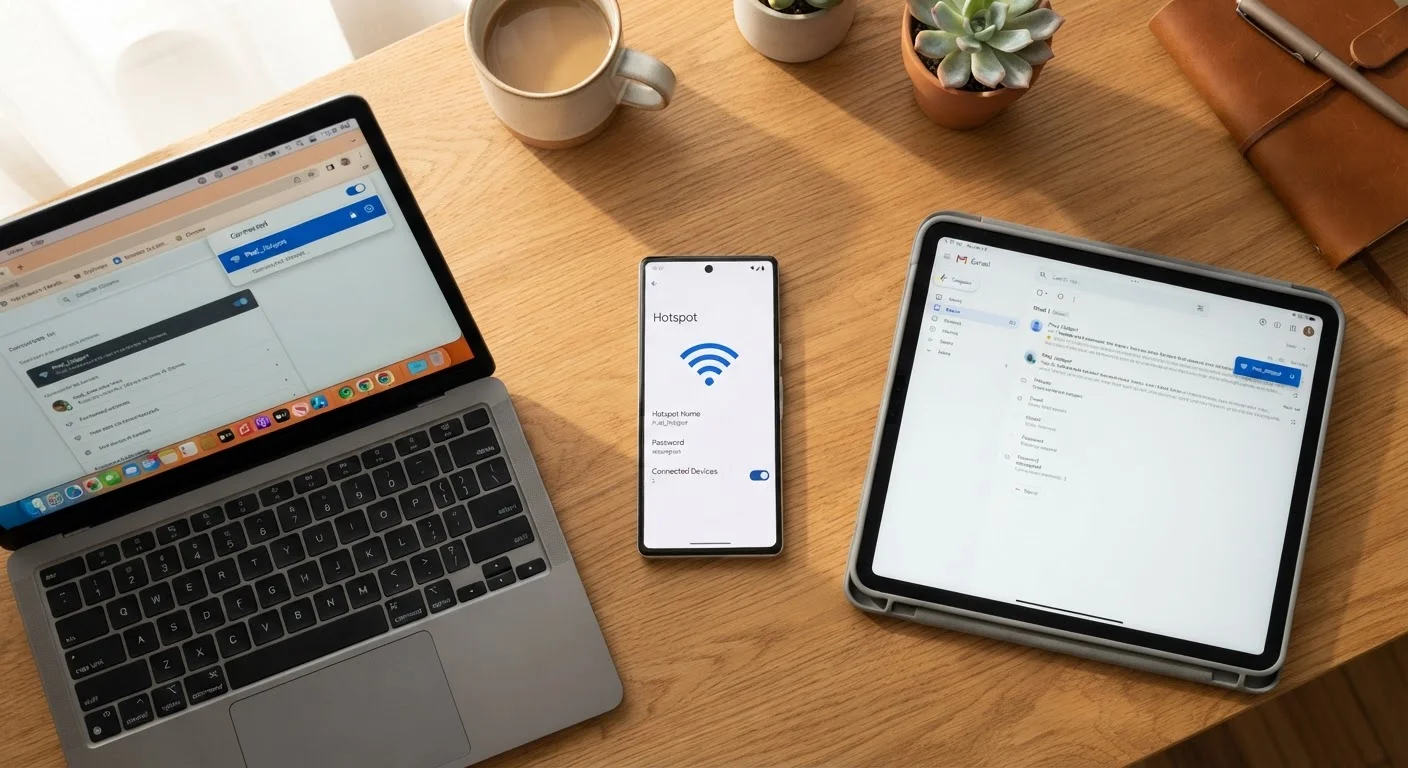
Photo credit: SnippetColumns.com | Easy Search, Reliable Information
In this article
Turning your phone into a hotspot is simple — but understanding what throttles speed, drains battery, and limits devices helps you use it smarter.
Key Takeaways
- Your phone converts cellular data into a local Wi-Fi signal that other devices can use.
- Hotspot speed is capped by your cellular connection — not by Wi-Fi hardware inside your phone.
- Carriers often throttle hotspot data separately from your main data plan.
- Running a hotspot drains your battery significantly faster than normal phone use.
- Signal strength, network congestion, and connected device count all affect real-world speed.
- Hotspot data limits and speeds vary by carrier plan — check your plan details carefully.
The Mechanics: What's Actually Happening Inside Your Phone
When you enable the hotspot feature on your smartphone, your phone performs two jobs at once. First, it maintains a connection to your carrier's cellular network — pulling in data the same way it does when you browse or stream directly on the phone. Second, it broadcasts a short-range Wi-Fi signal that other devices can discover and join.
Think of your phone as a translator. Cellular data arrives in one format from a tower, and your phone rebroadcasts it in a Wi-Fi format that a laptop or tablet understands. The phone manages all the traffic routing in the middle, deciding which packets go where.
This is why hotspot speed has a hard ceiling: it can never exceed what your cellular connection delivers. If your phone is pulling 15 Mbps from the network, that's the maximum throughput available to every connected device combined — not per device.
Hotspot vs. Dedicated Mobile Router
Standalone mobile hotspot devices — sometimes called MiFi units — use a dedicated battery and cellular radio solely for sharing data. They typically support more connected devices and run longer per charge than a smartphone doing double duty. If you hotspot frequently for extended periods, a dedicated device may be worth considering, though this depends on your carrier's device compatibility and plan options.
What Throttles Your Hotspot Speed
Several forces conspire to slow a hotspot below what your phone's data speed might suggest:
- Carrier throttling: Many plans — including those marketed as "unlimited" — apply a separate, lower speed cap to hotspot data. On-device data might run at full 5G speeds while hotspot data is limited to 5–15 Mbps. Check your plan's fine print for hotspot-specific speed tiers.
- Network congestion: Cell towers serve many users simultaneously. During peak hours or at crowded venues, everyone in the area shares tower capacity, which reduces your available bandwidth regardless of your plan.
- Signal strength: The further you are from a cell tower — or the more obstructions between you and it — the weaker your signal and the lower your throughput. A single bar of LTE can deliver dramatically less than full-strength 5G.
- Number of connected devices: Each additional device splits the available bandwidth. Two devices streaming video will each get roughly half the throughput compared to one device doing the same task.
5–15 Mbps
Typical throttled hotspot speed on unlimited plans
Many major U.S. carriers cap hotspot data speeds at this range even when on-device data runs at full 4G or 5G speeds, as noted in carrier plan disclosures.
~2–3 hrs
Estimated battery life under active hotspot use
Independent device testing commonly shows smartphones with full batteries lasting roughly two to three hours when serving multiple active hotspot connections under load.
For a deeper look at when cellular data outperforms Wi-Fi — and vice versa — see our guide on Wi-Fi vs. mobile data.
Battery and Heat: The Hidden Costs of Hotspotting
Running a hotspot is one of the most power-intensive things a phone can do. The cellular radio stays active to maintain your data connection, and the Wi-Fi radio runs simultaneously to serve connected devices. Both radios generate heat, and heat accelerates battery drain further.
In practical terms, a phone running a hotspot with two or three active devices connected can deplete a full battery in two to three hours under heavy use. That's a significant drawback for anyone relying on it during travel or a long workday.
Plug In During Long Hotspot Sessions
If you know you'll be running a hotspot for more than an hour, keep your phone connected to a charger or a portable battery pack. Running both cellular and Wi-Fi radios simultaneously is one of the fastest ways to drain a battery, and a dead phone ends the session for every connected device.
If you're using a hotspot for an extended session, keeping your phone plugged in is the straightforward fix. If that's not possible, reducing screen brightness, closing background apps, and limiting the number of connected devices will help extend your battery. See what portable charger specs actually mean if you're shopping for a backup power option.
Using Your Hotspot Smarter
A few practical habits make a meaningful difference in hotspot reliability and efficiency:
- Position your phone well: Keep it near a window or in an open area for better signal reception. A phone buried in a bag or in a basement will deliver slower speeds.
- Limit connected devices: Disconnect anything not actively in use. A smart TV idling in the background can still consume bandwidth with updates and pings.
- Use a strong password: An open or weakly protected hotspot invites unauthorized connections that eat your data allowance without your knowledge.
- Monitor your data: Most phones show real-time hotspot data usage in Settings. Knowing how much you've consumed helps avoid surprise overages or throttling mid-session.
Understanding your phone's behavior also extends to how its storage and performance hold up over time. Keeping your phone performing well over time covers habits that preserve overall responsiveness, which indirectly supports more reliable hotspot performance too.
Frequently Asked Questions

Author
Tech & Gadgets Editorial Team
Tech & Gadgets Editorial Team is the collective byline for our editorial team and contributor network. Articles published under this byline or an editorial pen name are researched, written, and reviewed according to our editorial standards for clarity, consistency, and independence before publication.
View all articles →