
Wi-Fi vs. Mobile Data: When Each One Actually Serves You Better
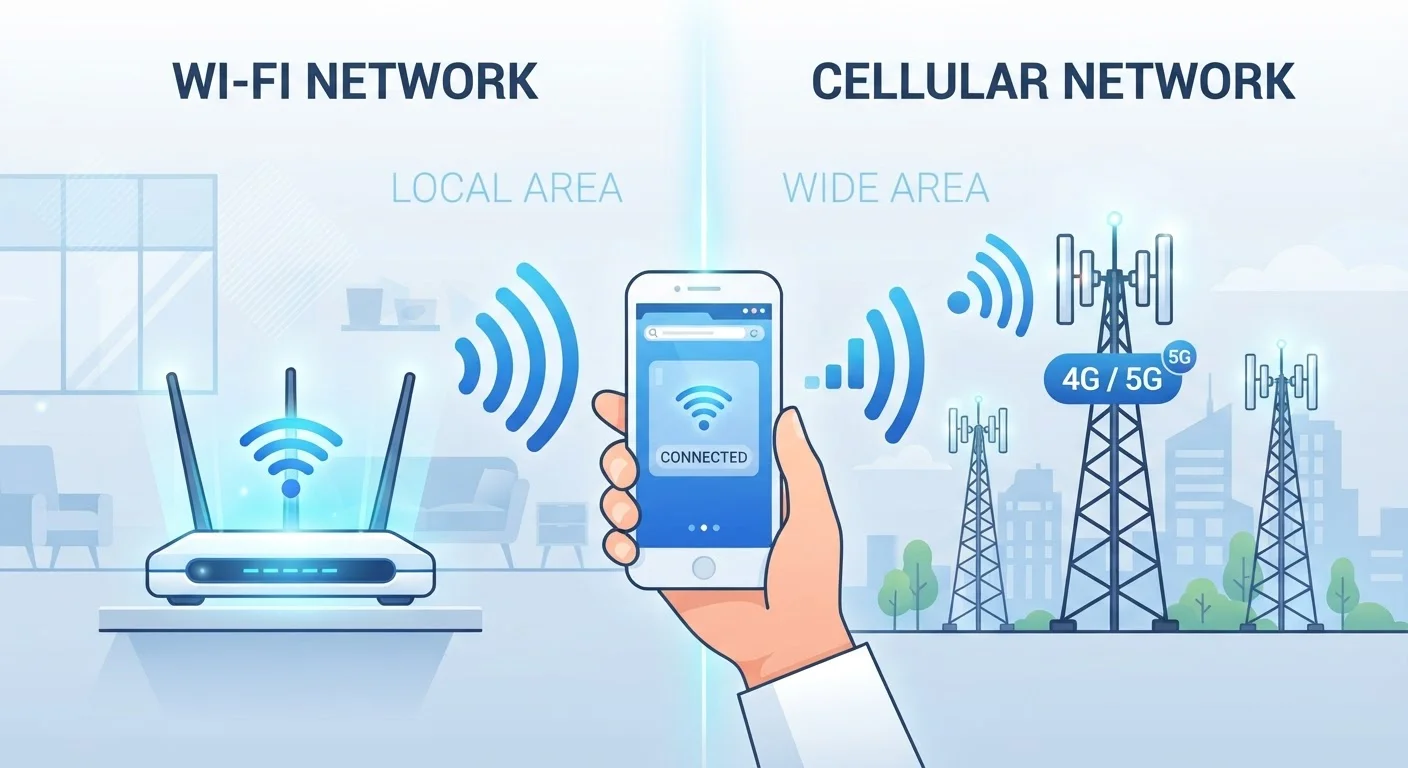
Photo credit: SnippetColumns.com | Easy Search, Reliable Information
In this article
Faster isn't always better, and more secure isn't always true. Learn when to switch between Wi-Fi and cellular for speed, safety, and savings.
Key Takeaways
- Public Wi-Fi is often less secure than mobile data — cellular is safer for sensitive tasks away from home.
- Wi-Fi generally delivers faster, more consistent speeds for bandwidth-heavy tasks like video streaming.
- Mobile data usage counts against your plan's data cap; Wi-Fi does not, making it the smarter choice for large downloads.
- Switching intelligently between both connections helps extend battery life and reduce monthly costs.
- Not all Wi-Fi networks are created equal — a congested or outdated router can underperform a strong cellular signal.
The Core Difference: What Each Connection Actually Is
Wi-Fi connects your device to the internet through a local router, which is itself connected to a broadband service. Mobile data — sometimes called cellular data — connects directly through your carrier's cell towers using radio frequency bands. Both routes get you online, but the underlying infrastructure shapes everything from speed to security to cost.
Most smartphones toggle automatically between the two, defaulting to Wi-Fi when a saved network is in range. That automatic behavior isn't always the smartest choice, because the strongest signal and the most trustworthy connection aren't the same thing. Understanding the difference puts you in control of that decision.
| Criterion | Wi-Fi | Mobile Data |
|---|---|---|
| Typical speed | High (varies by router/ISP) | Moderate to high (varies by coverage) |
| Data cap impact | None — unlimited on most home plans | Counts against your monthly allowance |
| Security on public networks | Lower — traffic can be intercepted | Higher — carrier-level encryption |
| Availability | Fixed location only | Anywhere with cellular coverage |
| Battery drain | Generally lower | Higher, especially on weak signals |
| Best for | Streaming, downloads, smart home | Travel, sensitive tasks, backup access |
When Wi-Fi Is the Smarter Choice
For anything that moves a lot of data — streaming a movie in 4K, downloading a software update, backing up your phone — Wi-Fi is the practical default. It doesn't count against a mobile data cap, and a solid home network typically delivers faster and more stable speeds than a congested cell tower.
Wi-Fi also shines for smart home devices. If you're thinking about structuring a home network for smart devices, a dedicated Wi-Fi setup gives your gadgets the always-on stability they need without eating into cellular budgets. It's worth noting that a poorly configured router can undercut this advantage entirely — see untapped features in your existing devices for a reminder that hardware optimization matters too.
60%+
Share of mobile traffic offloaded to Wi-Fi
Cisco's mobile data forecasts have consistently shown that the majority of smartphone data is consumed over Wi-Fi rather than cellular networks.
5G
Cellular generation increasingly matching home broadband
In areas with strong 5G coverage, cellular download speeds can rival or exceed average fixed broadband speeds, according to carrier benchmark reports.
When Mobile Data Wins
Security is where cellular holds a genuine edge. Your carrier encrypts the connection between your phone and their network infrastructure. Public Wi-Fi — at airports, hotels, coffee shops — typically lacks that layer. Anyone on the same open network may be able to intercept unencrypted traffic, which makes cellular the safer route for online banking or logging into sensitive accounts on the road.
Mobile data also wins on availability. Wi-Fi is tethered to a physical location, while cellular goes with you. If your home router goes down, your mobile connection is a reliable fallback. And in some rural areas, a strong 5G signal genuinely outpaces the local broadband offering. For situations where you need to share that cellular connection, understanding how hotspots work and what slows them down helps you get the most out of the signal you have.
VPNs Add a Layer Either Way
Using a VPN (Virtual Private Network) encrypts your traffic regardless of whether you're on Wi-Fi or mobile data. On public Wi-Fi especially, a VPN can meaningfully reduce interception risk. However, VPNs vary in quality and privacy policies, so treat them as one layer of protection rather than a complete solution. If privacy on connected devices is a broader concern, the discussion in privacy trade-offs with always-on home devices is worth reading alongside this.
Practical Habits That Use Both Smarter
The most effective approach treats Wi-Fi and mobile data as complementary rather than competing. A few habits worth building:
- Schedule large downloads for Wi-Fi. Set app updates and cloud backups to run only on Wi-Fi. Both iOS and Android have this option in settings. This directly affects your monthly bill — everyday money tips often point to data overages as a sneaky recurring expense.
- Turn off auto-join for unfamiliar networks. Your phone connecting silently to a public network it once used is a real security exposure. Manual control keeps you aware of which connection you're on.
- Use mobile data for quick sensitive tasks in public. Checking your bank balance takes seconds on cellular and avoids the risk entirely. For a broader look at what stays active across connection types, what airplane mode actually toggles offers useful context.
- Pair Wi-Fi with a solid backup strategy. If you rely on Wi-Fi for cloud backups, understanding the trade-offs in cloud vs. local backup for your phone ensures you're not left vulnerable when your network is down.
Smarter connection habits fit naturally into building informed daily habits — small decisions compounded over time make a real difference in what you pay and how exposed you are.

Author
Tech & Gadgets Editorial Team
Tech & Gadgets Editorial Team is the collective byline for our editorial team and contributor network. Articles published under this byline or an editorial pen name are researched, written, and reviewed according to our editorial standards for clarity, consistency, and independence before publication.
View all articles →