
What 'Smart' Actually Means on a Gadget Box
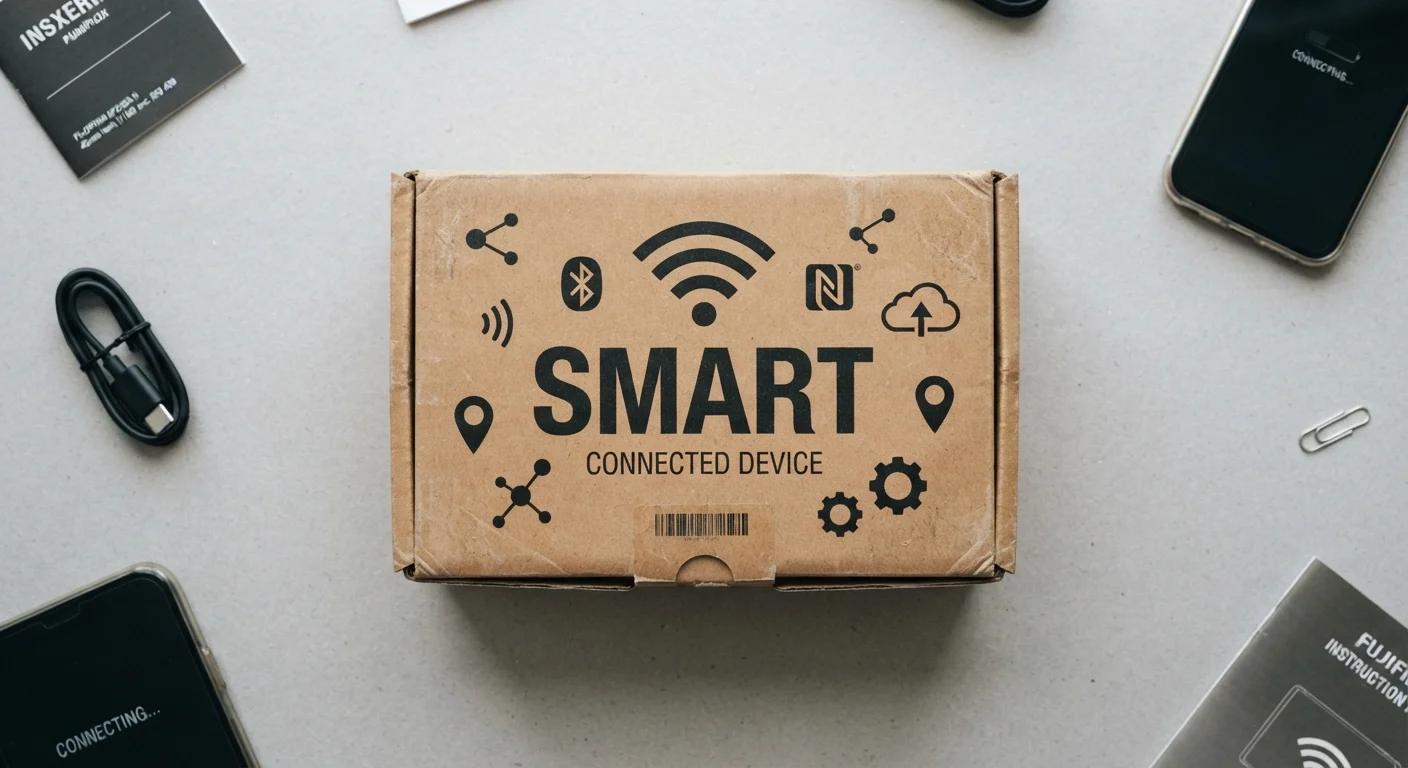
Photo credit: SnippetColumns.com | Easy Search, Reliable Information
In this article
The word 'smart' gets stamped on everything. Here's what it really signals about connectivity, features, and whether it matters for you.
Key Takeaways
- "Smart" means internet- or Bluetooth-connected — not necessarily more capable or reliable.
- Connectivity adds remote control and automation, but also app dependency and potential privacy exposure.
- A smart feature only has value if it solves a real problem in your daily routine.
- Smart devices often require ongoing software support — check the manufacturer's track record before buying.
- Ecosystem compatibility matters: some smart devices only work within a single brand's app or platform.
The Word That's Stamped on Everything
Walk down any electronics aisle or scroll through a product listing and you'll see "smart" attached to bulbs, plugs, scales, doorbells, air fryers, and dog feeders. The label has become so common it's almost stopped meaning anything specific. That's a problem when you're trying to figure out whether a product's extra cost is actually worth it.
At its core, calling something "smart" signals one thing: it connects to something else. That connection — usually your home Wi-Fi, Bluetooth, or another short-range wireless protocol — is what separates a smart gadget from a regular one. The connection is the feature. Everything else — app control, automations, voice commands — is built on top of it.
For a deeper breakdown of how this plays out in the home specifically, see what makes a home truly smart. For now, let's focus on the label itself.
What Connectivity Actually Unlocks
Once a device is connected, a few categories of capability become possible:
- Remote control: You can operate the device from anywhere through an app, not just by physically touching it.
- Scheduling and automation: The device can act on its own based on time, triggers, or data from other devices (e.g., your thermostat lowering the temperature when your door sensor says you've left).
- Voice assistant integration: Compatible devices can respond to spoken commands through platforms like Amazon Alexa or Google Home.
- Usage data and monitoring: Many smart devices track and report data — energy use, activity patterns, sensor readings — that a standard device never could.
None of these are inherently valuable. They're only useful if they map onto something you actually need. A smart plug that tracks your TV's energy use is interesting data, but if you'd never act on it, it's a feature with no payoff.
~15B
Connected IoT devices in use worldwide
According to Statista estimates, the number of active Internet of Things (IoT) devices globally reached roughly 15 billion in recent years, a figure projected to keep rising.
30 ft
Typical Bluetooth range for smart devices
Standard Bluetooth Low Energy (BLE), used in many smart home gadgets, reliably operates up to about 30 feet indoors, depending on walls and interference.
2.4 GHz
Wi-Fi band used by most smart home devices
The majority of smart home products connect on the 2.4 GHz Wi-Fi band for its wider range, even in homes where 5 GHz networks are available.
What 'Smart' Doesn't Guarantee
Connectivity doesn't make a product better-built, more reliable, or easier to use. In practice, smart versions of everyday items often introduce new friction:
- App dependency: If the app is poorly designed, slow, or discontinued, your device becomes harder to use than a non-smart version.
- Cloud reliance: Many smart devices route commands through a manufacturer's servers. If those servers go offline — or the company goes under — features stop working.
- Compatibility walls: A device that works only within one brand's ecosystem may become a dead end if you later switch platforms. Standards like the Matter protocol are designed to address this, but adoption varies.
Check Before You Assume Compatibility
Before purchasing any smart device, look up whether it works with the app or voice assistant you already use — don't assume it does based on the box art. Many products show competitor platform logos in small print with asterisks indicating limited functionality. Spending two minutes checking the manufacturer's compatibility page can save significant frustration later.
The useful question isn't "is this smart?" It's "does the smart feature solve a real problem I have?" If the answer is vague — "it's cool" or "it might be handy" — that's worth a pause before spending more.
How to Read a 'Smart' Label Before You Buy
When you see "smart" on a box, ask these three things:
- What protocol does it use? Wi-Fi gives full remote access; Bluetooth limits range to roughly 30 feet. Zigbee and Z-Wave devices often need a separate hub. This affects setup complexity and daily usability.
- Which ecosystem does it require? Some devices only work within a single brand's app. If you already use a particular smart home platform, check compatibility first. See the full landscape of smart home device categories for a reference on how different device types fit together.
- Does the manufacturer have a track record of supporting their products? Smaller or newer brands carry more risk of abandoning software support. A smart device that loses app support often loses its main advantage over a non-smart version.
If you're buying your first smart device and want a structured way to think it through, this grounded primer covers ecosystems, compatibility, and privacy before you commit. And if product label terminology in general trips you up, the everyday gadget buyer's glossary is a useful reference to bookmark.
"Smart" is a feature category, not a quality stamp. Treated that way, it becomes a much more useful signal.
Frequently Asked Questions

Author
Tech & Gadgets Editorial Team
Tech & Gadgets Editorial Team is the collective byline for our editorial team and contributor network. Articles published under this byline or an editorial pen name are researched, written, and reviewed according to our editorial standards for clarity, consistency, and independence before publication.
View all articles →